Back to projects
Vozes do Elisa
Angular · NestJS · TypeScript · Figma
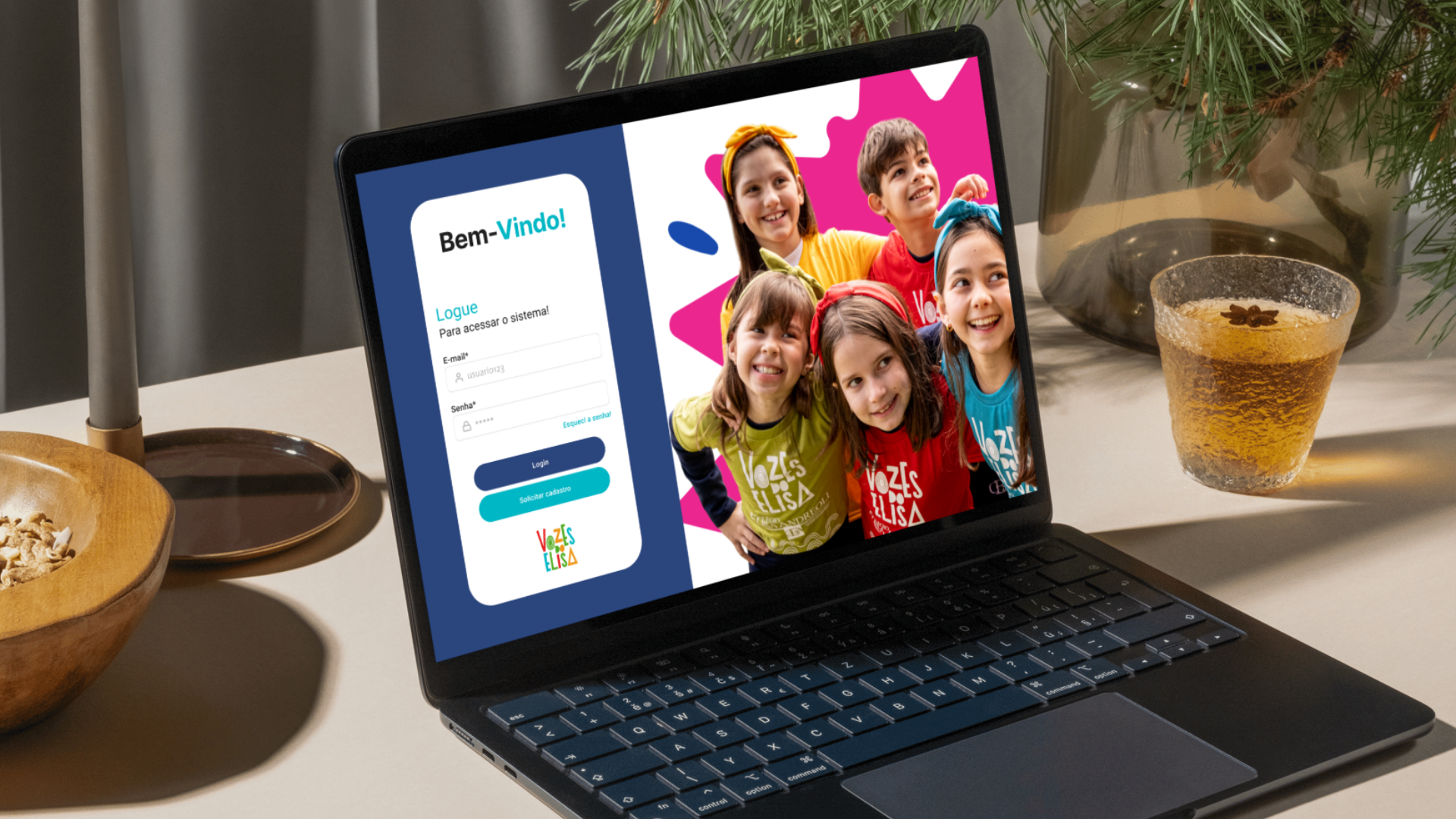
A personal, self-authored project: a management system for a school children's choir, built to streamline registrations, voice sections and uniform inventory.
Solo project · In progress
About the project
This is an independent project, built to create a tailor-made solution for the administrative management of a school children's choir. It was designed to solve real logistical challenges: high student turnover, organizing kids into voice sections (naipes), and keeping track of uniform inventory.
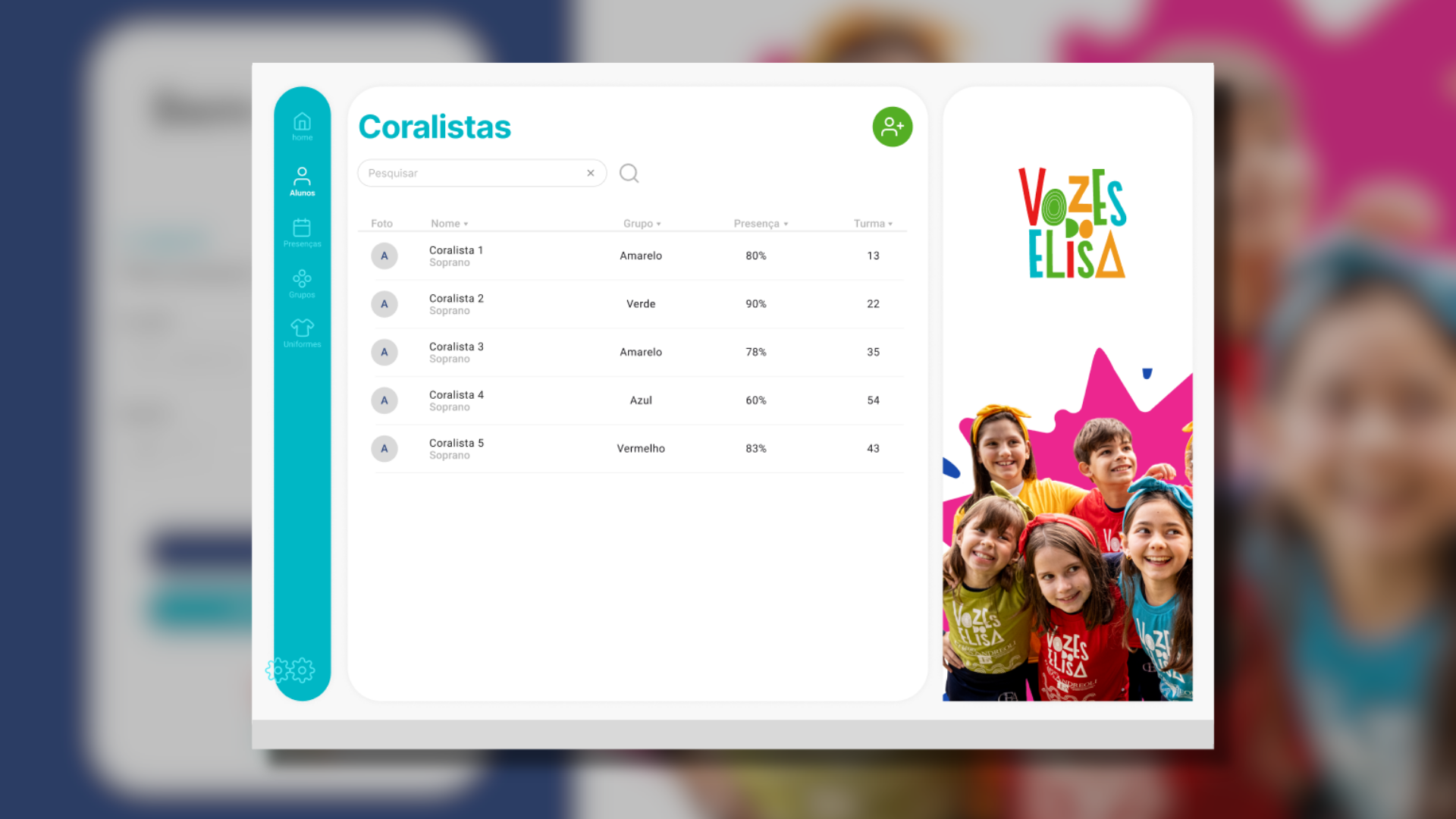
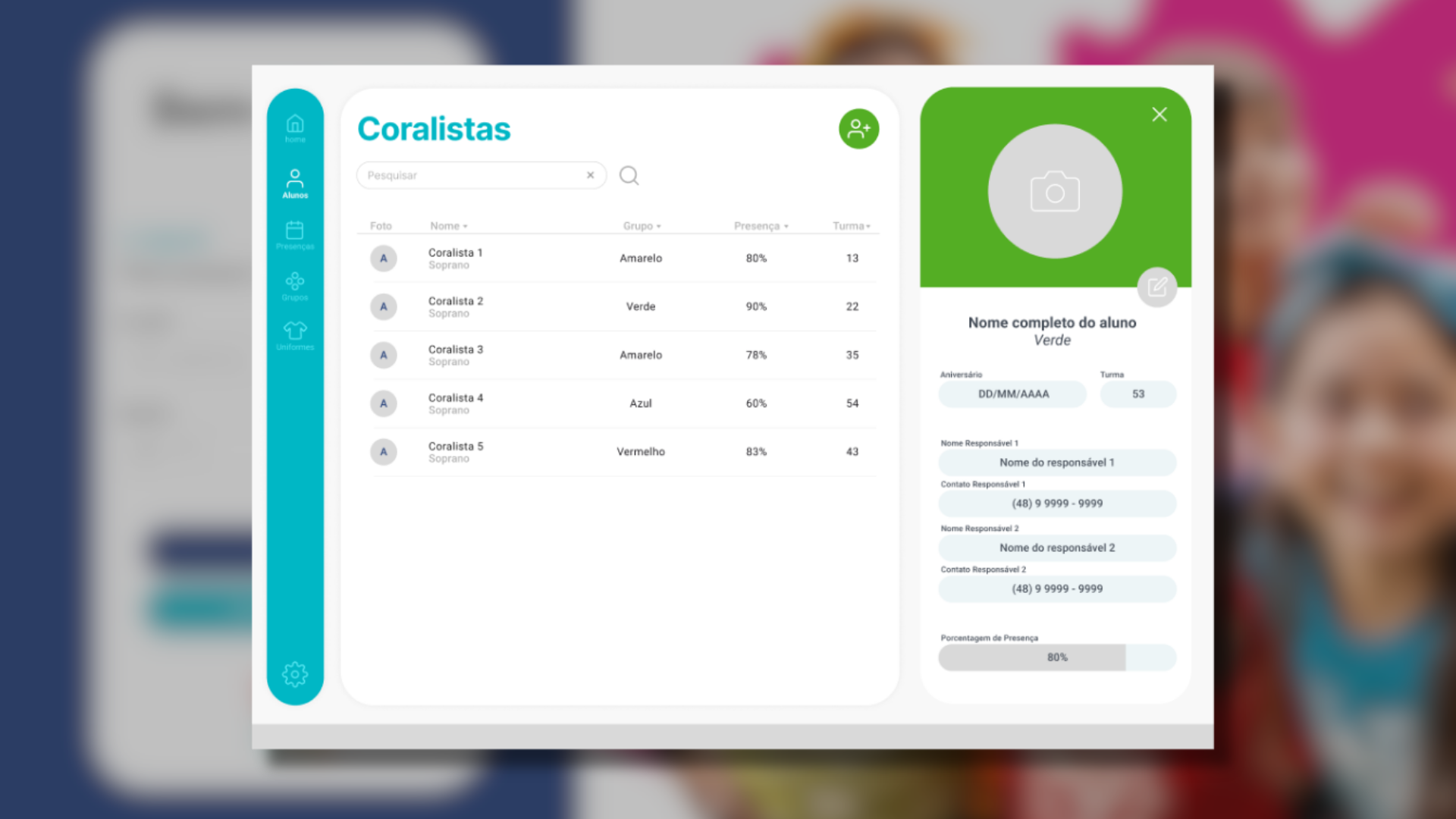
The application replaces manual processes with a centralized digital workflow, letting the choir's coordination team access student records instantly and manage each student's progress across voice sections. The focus is on operational efficiency and data integrity.
Highlights
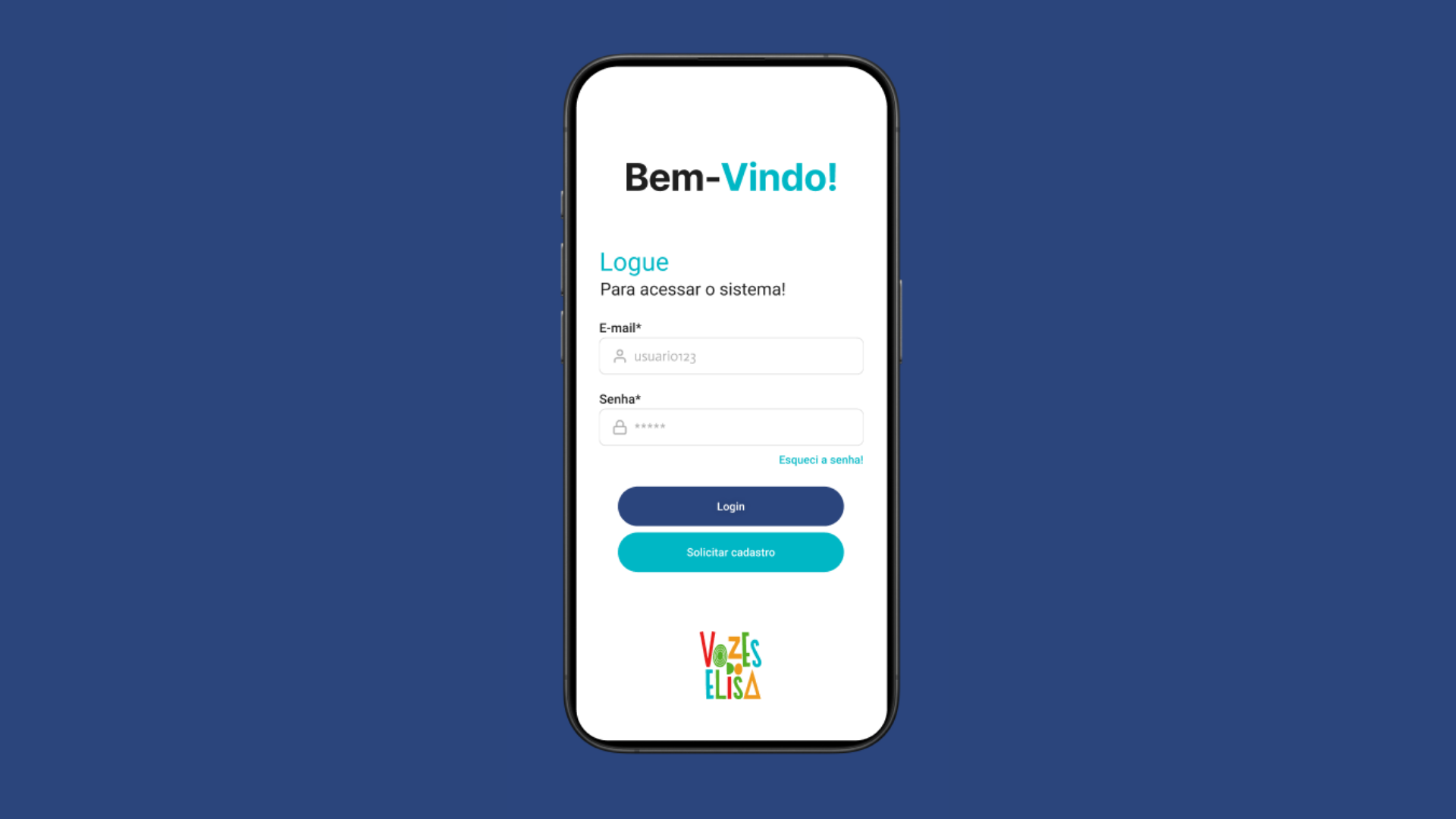
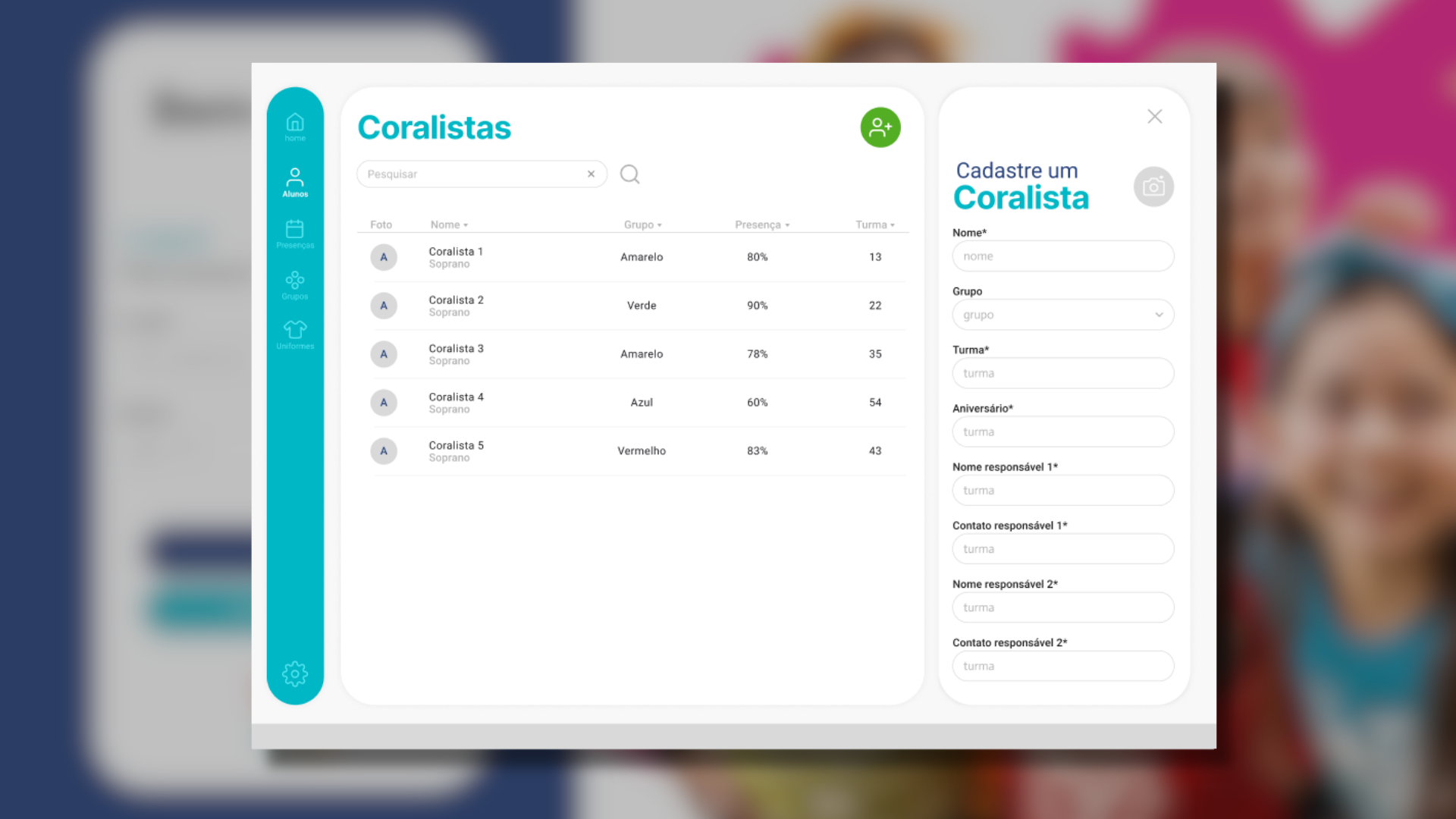
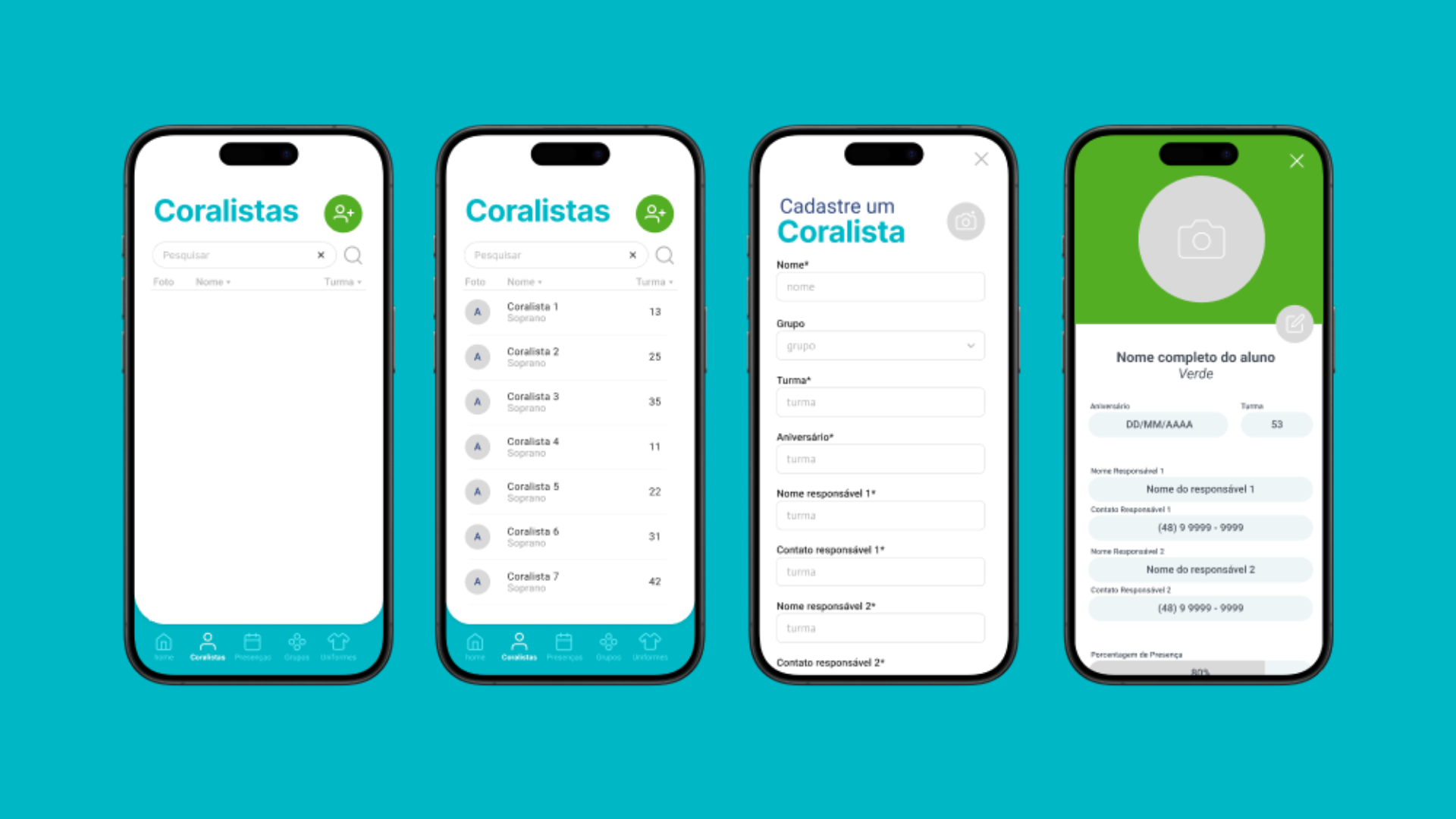
- UI/UX design: full prototyping in Figma, prioritizing fast data entry and visual clarity.
- Reactive front end: built with Angular, using RxJS observables and the HttpClient to keep the UI in sync with the API without manual DOM handling.
- Backend architecture: a NestJS (Node.js) REST API structured in modules and services, with TypeScript end-to-end for safer, more consistent code across the stack.
- Adaptive responsiveness: the system adjusts smoothly across devices, so coordinators have a functional experience on both desktop and mobile during rehearsals.
- Angular
- NestJS
- TypeScript
- Figma
Timeline
-
Requirements gathering
Interviews, scope definition and personas.
-
Process modeling
Definition of the main operational workflows (BPMN).
-
Figma prototype
Key screens, responsiveness, navigation flow.
-
Angular workspace setup
Project scaffolding, routing and the base components needed for the prototype.
-
NestJS API setup
Modules, entities and the initial endpoints needed for the prototype.
-
Front-end/API integration
Communication between Angular and the NestJS API via HttpClient and typed DTOs.
-
Initial prototype testing
Usability tests with early screens and mock data, adjustments based on feedback.
-
Incremental features applied
New entities, more complex relationships, improvements to the initial model.
-
Testing of incremental features
Testing after the increments, flows with real data.
-
Production deploy (infrastructure)
Server setup (e.g. DigitalOcean, Render, Heroku), DNS configuration.
-
24/7 hosting
Going live, domain, security, a fully functional online version.